Three surfaces, one event
The screens above are not three products. They are one event seen from three sides, and every one of them is looking at the same set of uploads.
The host sees a queue. Everything guests send arrives there with a state on it, and the host publishes or turns down each item — in bulk if the evening produced four hundred of them. The guest sees a phone: a code, an upload page, and afterwards whatever the host has decided guests may see. The photographer sees a portal: their own delivery to one client, kept apart from the guest uploads even though both belong to the same event.
What changes between the three is not the data. It is who is allowed to look at it, and that is a decision the host makes once.
Weddings, engagements, birthdays, festivals
The mechanism is the same at every kind of event; what changes is the setting somebody should choose and the room they are standing in.
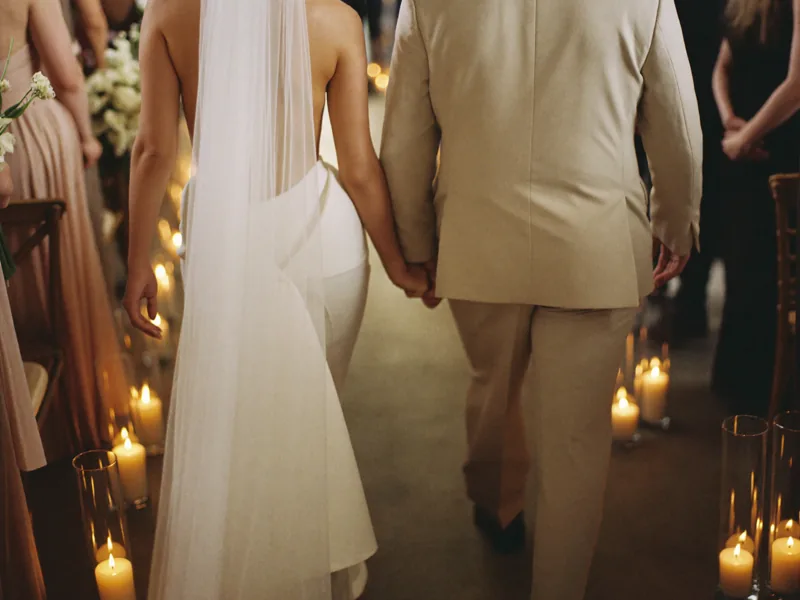
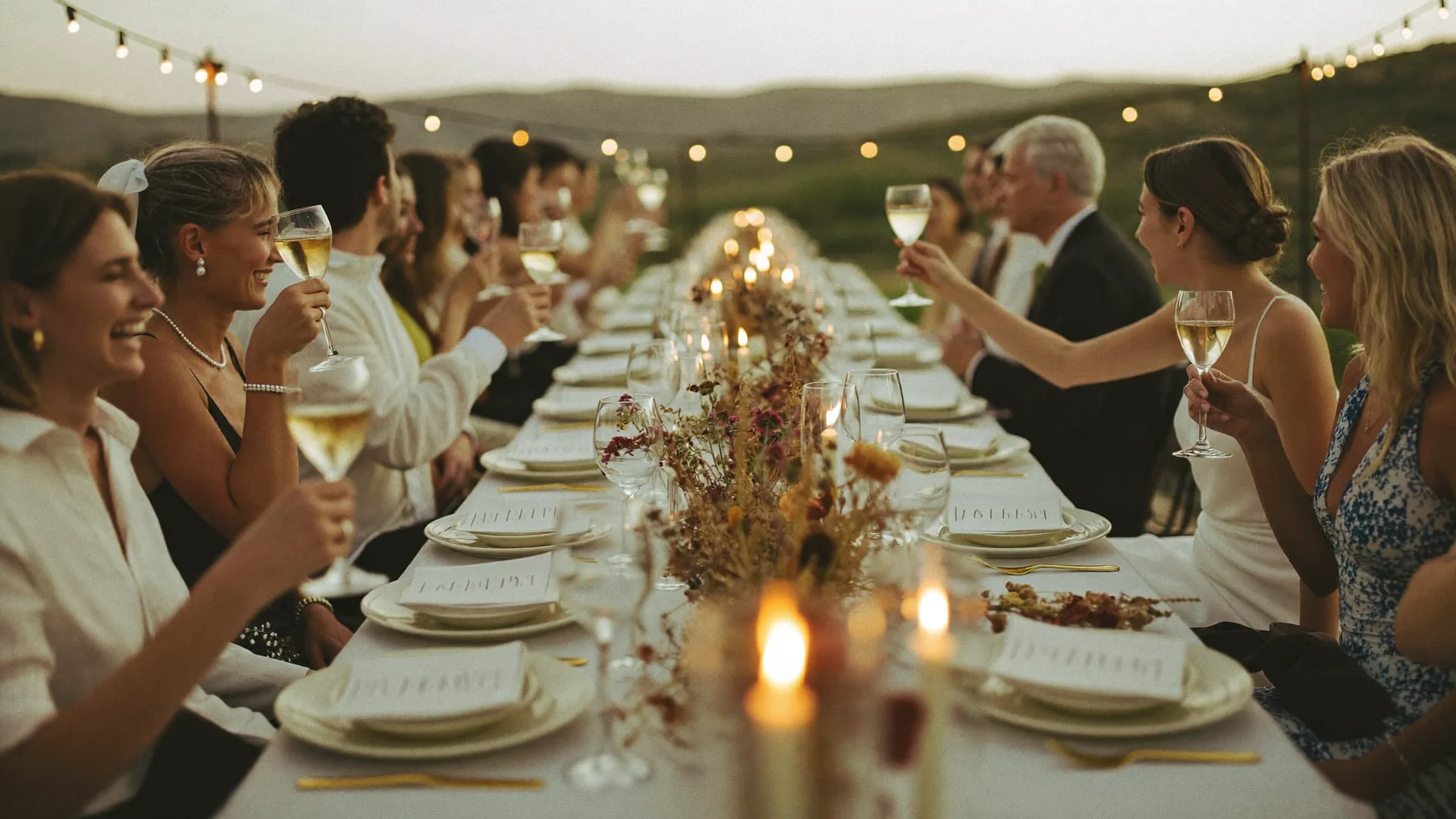
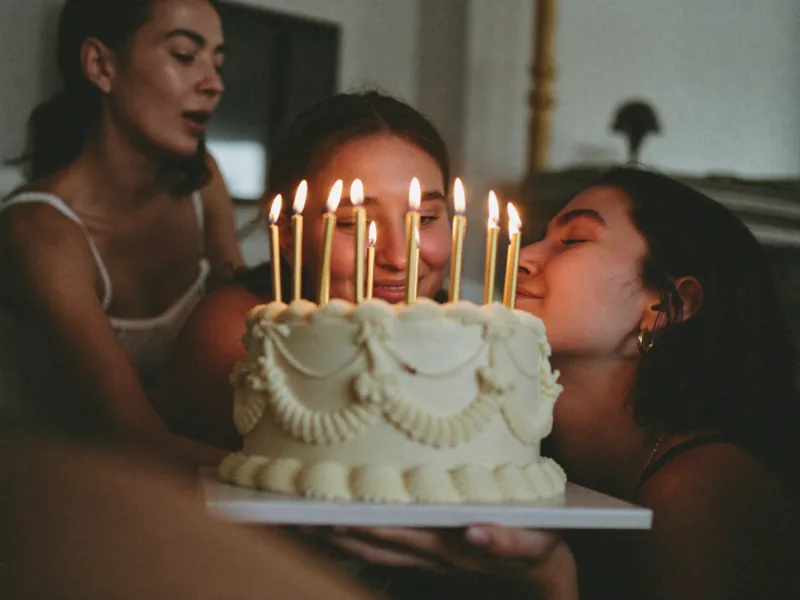
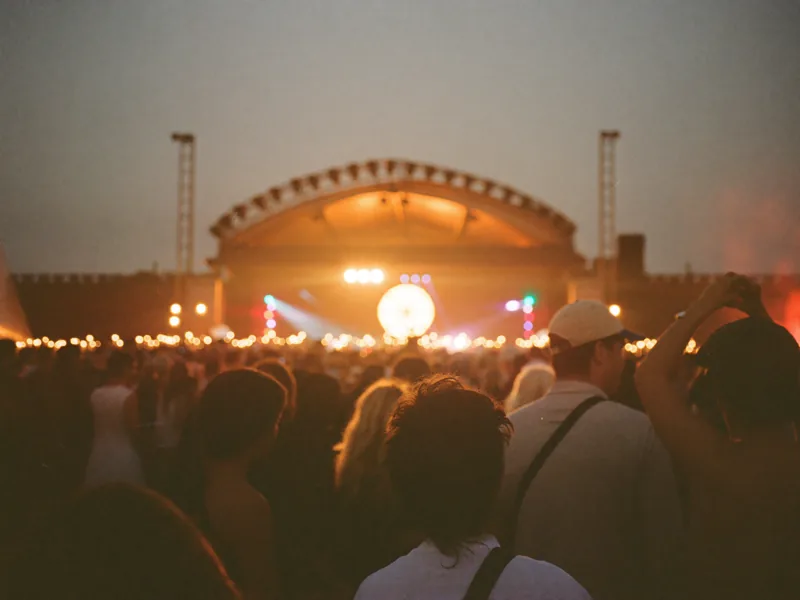
A wedding is two hundred cameras and one gallery, and most couples hold uploads for approval so nothing reaches the guest list before they have seen it. An engagement is forty people in a small room, and the interesting question is which pictures leave it. A birthday is guests aged eight and eighty, where the only thing that works is a code on the table and nothing to install. A festival is a crowd nobody invited by name, where a code goes on the signage and the moderation queue does the work.
Each of those has its own page with the detail, and every one of them runs on the surfaces shown here.
What happens when somebody scans the code
The code above is a real one, pointing at the join page. Scanning it with a phone camera opens the page in whatever browser the phone already has — there is nothing to download, no account to create, and no password for anybody to remember.
A guest can add their name so the host knows who sent what, or leave it blank. Then they upload: photos and video both, at the resolution the phone recorded. Guests are not accounts on this platform. They never appear in a user list, they never get a password, and what they can do is bounded by the event they joined and nothing else.
The same code can be printed on a table card, put on an invitation, held up on a screen, or shared as a plain link.
The queue, and the decision that comes before it
Nothing publishes itself. When the event is created the host answers one question, and that answer governs every upload afterwards.
Keep everything private, and guests can contribute without ever seeing the gallery. Hold each upload for approval, and nothing is visible to guests until the host releases it. Or let invited guests see uploads as they finish, for a room where everyone is already trusted. Only the third publishes without a further step, and choosing it is deliberate.
Whichever is chosen, every upload carries a state — waiting, approved, or turned down — so the host always knows what is in the room and what is still with them. The queue in the mockup above is that list.
The professional half: delivery, portals and albums
A photographer working on Momenly gets a workspace of their own, and a portal for each client. The finished set is delivered there, behind a link and a client sign-in, and the client sees that and nothing else — not the other clients, not the guest uploads, not the workspace.
The files that arrive are not only the ones a browser can draw. Camera raw, PSD, AI, EPS and PDF are stored and handed back intact; where a format cannot be previewed the card says so rather than showing a broken thumbnail pretending to be a photograph.
Albums are how a large event stays usable. Group what belongs together, share that album rather than everything, and give it its own download and comment settings.
Fifteen days, then thirty
Every event on Momenly has the same clock, and it is shown on the event from the moment it is created.
Fifteen days open. On day fifteen access ends for the host and for the guests alike. Administrators can still reach the content until day thirty, for recovery, security and support. On day thirty it is permanently deleted, and after that nobody can bring it back, ourselves included.
So save what matters while the gallery is open. That happens file by file today: a single archive of a whole event is on the downloads screen, but the service that builds one is not switched on yet, and the button says so rather than starting a job that would never finish.